5 Ways to Keep Your Audience Engaged During Presentations
We've all been there — sitting through a presentation that feels like it will never end. The speaker reads from slides, the audience checks their phones, and by minute ten, half the room has mentally checked out.
Here are five battle-tested techniques to transform your presentations from monologues into conversations.
Open with a poll, not a slide
First impressions matter. Instead of starting with your title slide, launch a quick poll: "How many of you have experienced X?" or "What's your biggest challenge with Y?"
This does two things simultaneously: it signals to the audience that this won't be a passive experience, and it gives you real data to reference throughout your talk. When you say "as 73% of you just told me…", the audience perks up — that's their data you're presenting.
Break every 7 minutes
Research consistently shows that attention drops significantly after about 7 minutes of continuous passive listening. Build in interaction points at regular intervals — a quick poll, a Q&A moment, or a word cloud Ito gauge the room's thinking.
These micro-interactions serve as cognitive "resets" that restore attention and create natural rhythm in your presentation. Think of them as paragraph breaks in writing — they give the audience space to absorb what they've just heard.
Use anonymous Q&A to surface the real questions
The best questions from your audience are often the ones nobody dares to ask out loud. Anonymous Q&A removes the social pressure of raising your hand in a crowded room. You'll get more questions, more honest questions, and more relevant questions.
Pro tip: enable upvoting so the audience self-curates. The questions that float to the top are the ones the whole room wants answered — not just the loudest voice in the back row.
Show results in real-time
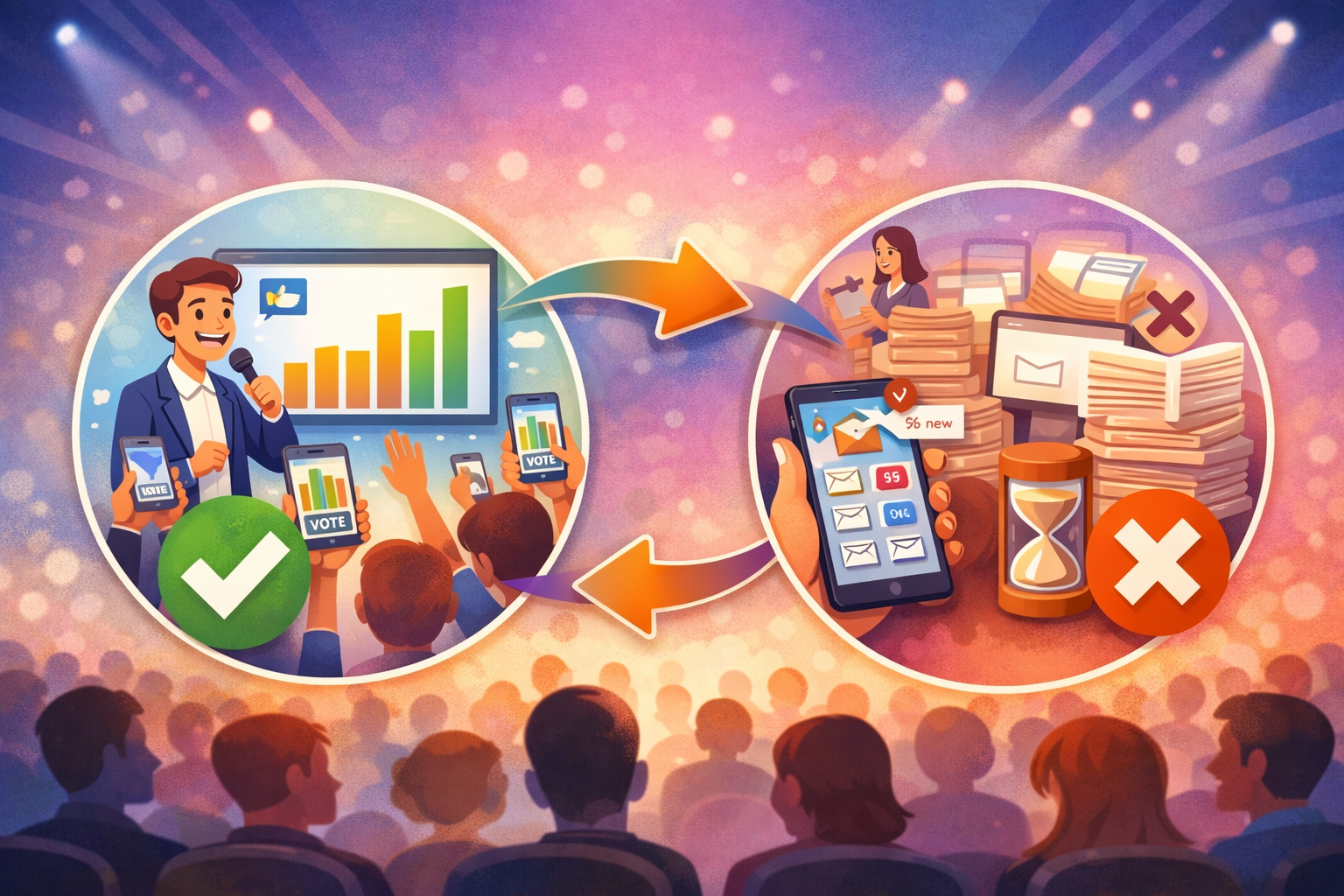
There's something genuinely exciting about watching results appear live. When the audience can see a chart building in real time as their peers vote, it creates a shared experience — a collective "aha" moment that no pre-made slide can replicate.
This is where tools like Glór shine. Display the poll on-screen while people vote from their phones, and watch the energy in the room shift. Suddenly, every person is invested in the outcome.
Close the loop: revisit and reflect
Don't just poll and move on. Reference your poll results throughout the talk. Circle back to the opening poll in your conclusion. Compare what people thought at the start versus what they know now. This creates a narrative arc that turns your presentation into a story — with the audience as the protagonists.
Getting started
You don't need expensive event technology or complex setup. With Glór, you can create a live poll in under 30 seconds, share a simple join code, and have your audience participating from any device — no app downloads, no sign-ups, no friction.
The audience you're about to present to doesn't want to be lectured at. They want to be part of the conversation. Give them that opportunity, and they'll remember your talk long after it's over.